The faster, cheaper, better harness for creative work.
Your taste. Your vision. Voyager lets you direct AI agents and models from a single place, whether it’s generating AI content or controlling existing creative tools 



Free · 1,000 credits a month · or bring your own Claude or ChatGPT
Already have an account? Sign inConnect to 100+ Creative tools
Voyager can drive the most popular creative tools for video, graphics, 3D and music. See the full list
DaVinci Resolve + Voyager


Blender + Voyager

Unreal Engine + Voyager

After Effects + Voyager

Ableton + Voyager


Loved by creatives.
@startvoyager is absolutely cracked. I have every creative software I use hooked up to it… I feel like I have superpowers.
I tried @startvoyager with Claude Opus 5.5 and it one shot this Game Design History Atlas website… Voyager is so taste maxed it’s nuts.
Claude Opus 5.5 inside @startvoyager built this fish stand from one prompt + 4 rounds of feedback… the workflow is wild.
When you have a real collaborator that understands you, and can translate it into the language that models get it, it makes a creative’s life much easier.
I’m just very pleased with the results I was getting, and I feel it’ll play an integral part with my client work.
adobe might actually be cooked. 3 prompts in @startvoyager → a full yuzu soda ad.


Bring your agent. Drive your apps.
Connect Claude, ChatGPT or Voyager’s own agent. Voyager gives it the skills to work inside the creative apps already on your computer, from DaVinci Resolve, to Unreal Engine, to Blender.
Start with a prompt.
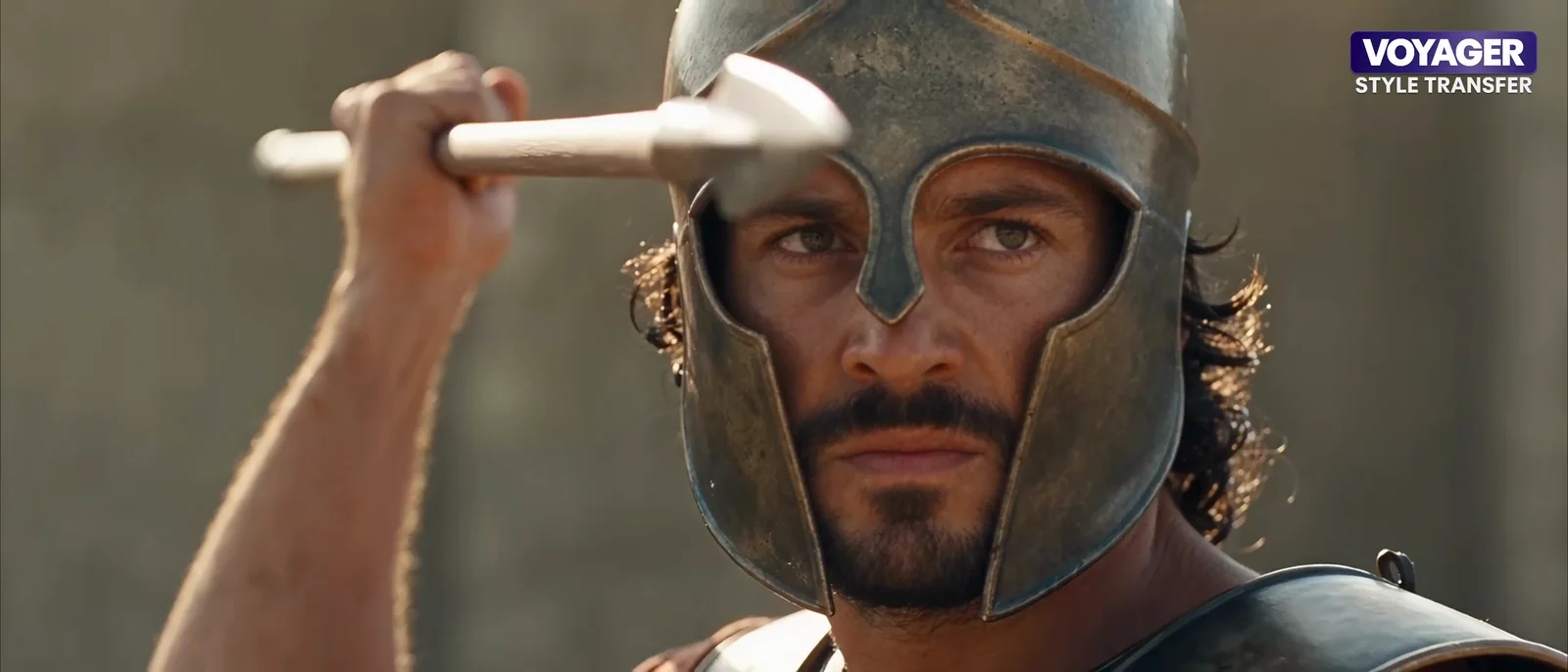
Blender blockout into photoreal footage
Make a shotlist and a cinematic Blender blockout of [scene], about [seconds] seconds, 21:9, in a [style reference] style but still legible. Then style-transfer it to photoreal live action with Seedance ([look]), and stack Blender on top and the result below. Show me the shotlist before you build the scene.
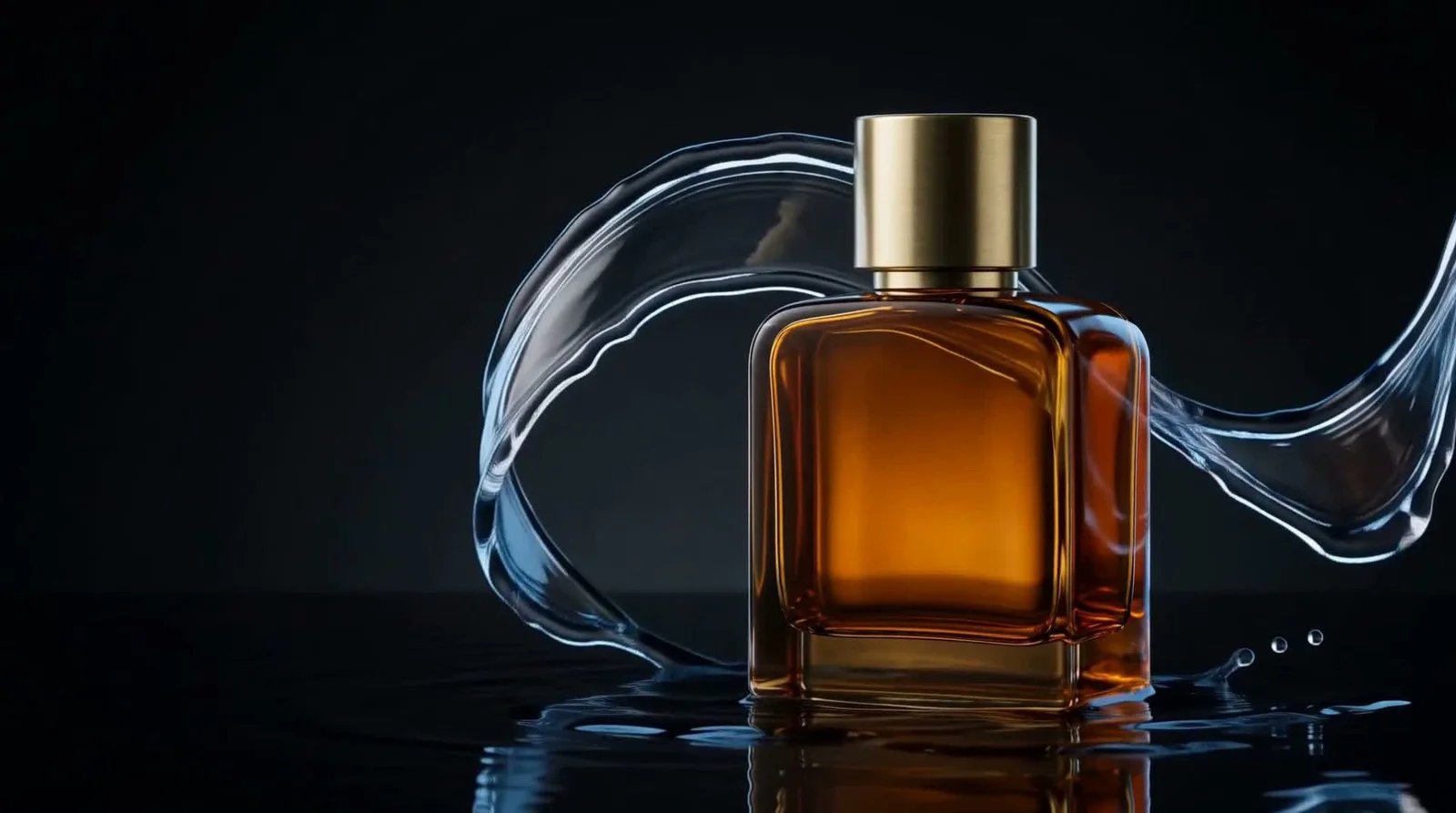
Impossible product ad with a liquid reveal
Make a photorealistic product still of one amber glass perfume bottle with a brushed-brass cylindrical cap. Use a squat rectangular bottle, rounded shoulders, straight edges and a thick glass base. No lettering. Stand it upright at center-right on a dark wet studio surface. Curve one clear-water ribbon behind the bottle and around its sides. Keep its whole front, cap and base visible. Add warm light through the amber glass and a cool rim on the water against a nearly black background. Leave dark breathing room on the left. Make a 16:9 image.
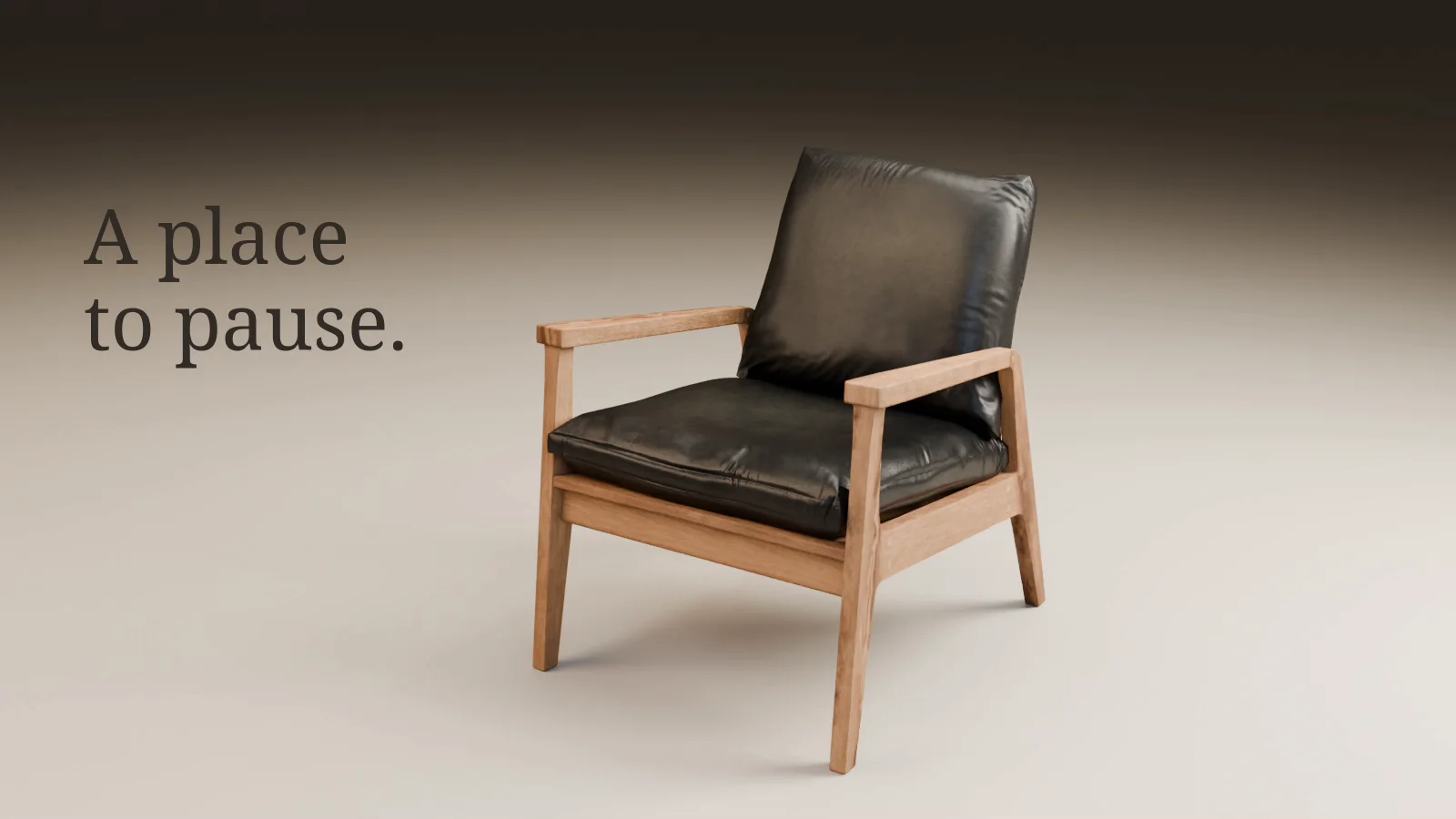
3D model into a product commercial
Inspect this product model before making a film. Identify the mesh, materials, dimensions and missing external textures. Preserve its geometry and proportions. Show a neutral preview with the whole object visible, including every foot. Tell me which details are suitable for close shots. Do not invent logos, specifications or product benefits.
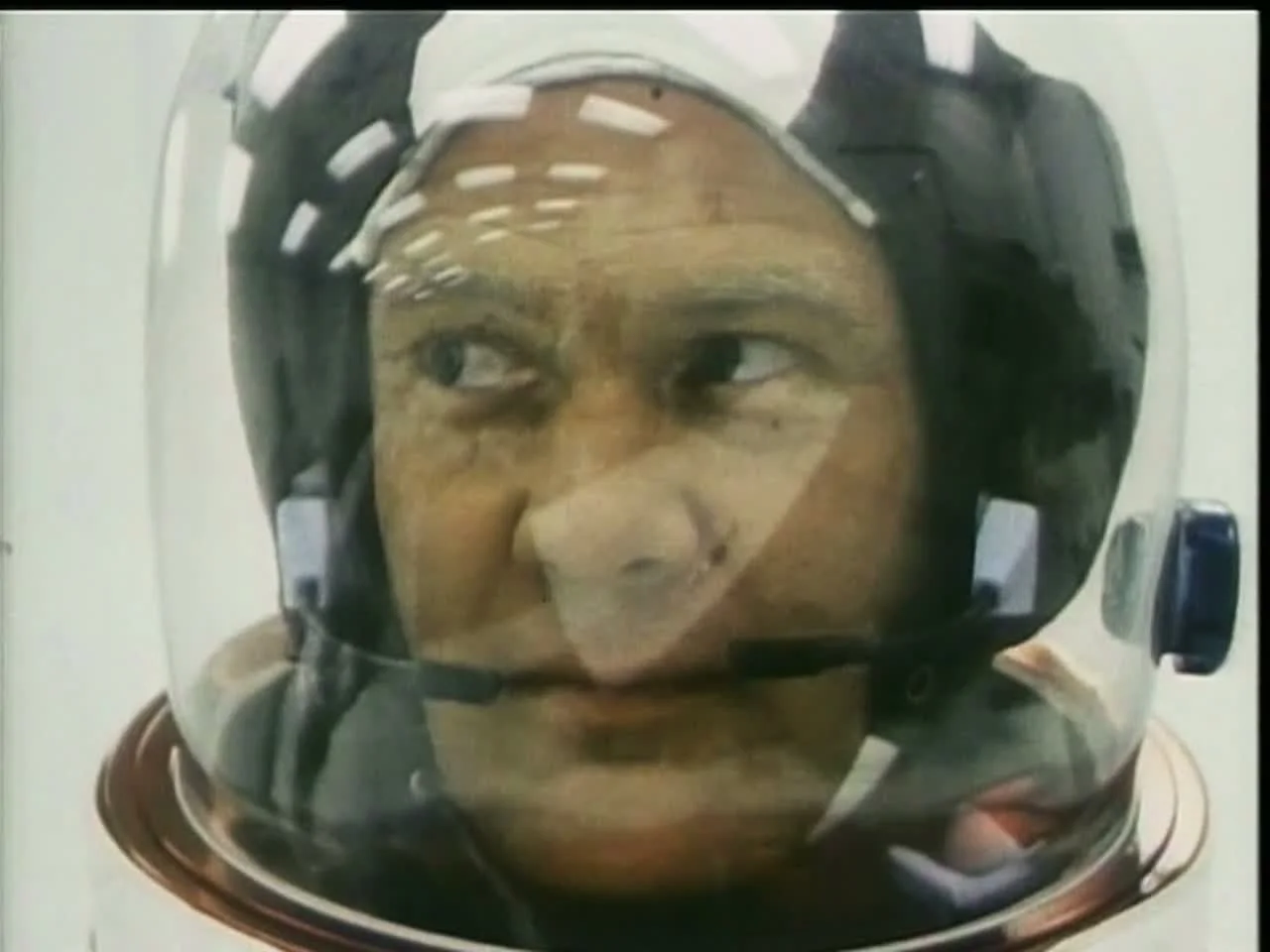
Archive clips into a 30-second film
Make a 30–35 second archival montage about human ingenuity. Begin with hands, instruments and small acts of preparation. Build toward a launch, then end on a quiet view of Earth. Use real footage from the supplied source files. Keep a ledger of filenames, source in/out times and credits. Choose adjacent shots for a reason: related movement, shape, scale or meaning. Keep the original 4:3 composition. Use mostly straight cuts. Match exposure and color between clips before adding a shared look. Preserve the existing grain. No fake scratches or flashes. Use an instrumental score, with room for the ending to breathe. Show the shot plan before rendering.
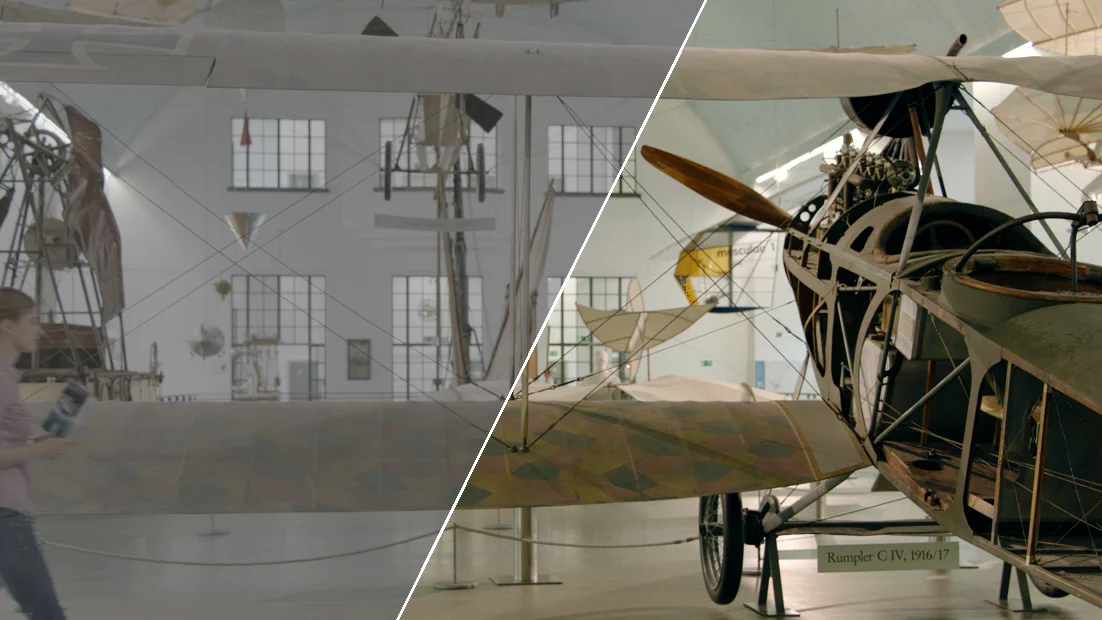
Color grade log footage
Inspect this camera original and its sidecar metadata before grading. Identify the camera, codec, gamma, gamut, data range and whether a viewing look is already baked in. State anything you cannot verify. Preserve the original. Do not infer the input color space just because the picture looks flat, and do not apply a log conversion twice.
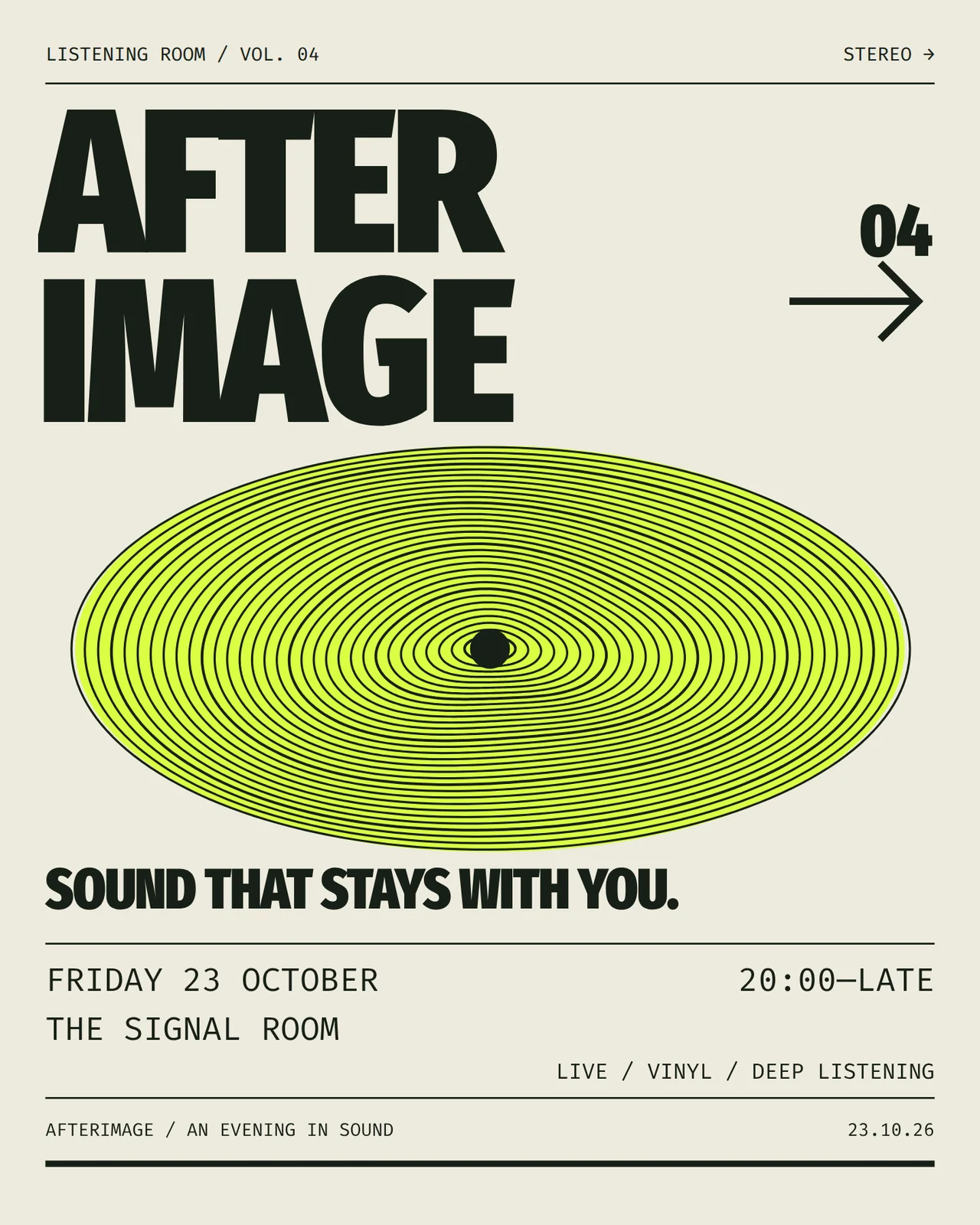
Poster into a 16-second motion graphic
Turn this poster into a 16-second motion graphic. Preserve the title, exact event information, palette and typefaces. Keep the original poster intact. Build the animation in a separate editable composition. Give each element a job: - The event name establishes the identity immediately. - The concentric graphic supplies the movement and mood. - A short typographic passage reads SOUND / LEAVES / A TRACE. - The final composition returns to the poster and holds the event details for at least three seconds. Use purposeful masks and smooth changes of shape. Avoid bouncing every line, generic particle effects, full-frame flashes or a camera zoom over a flat image. Make it work muted. Render an MP4 and retain the editable source.